

Portraits with character
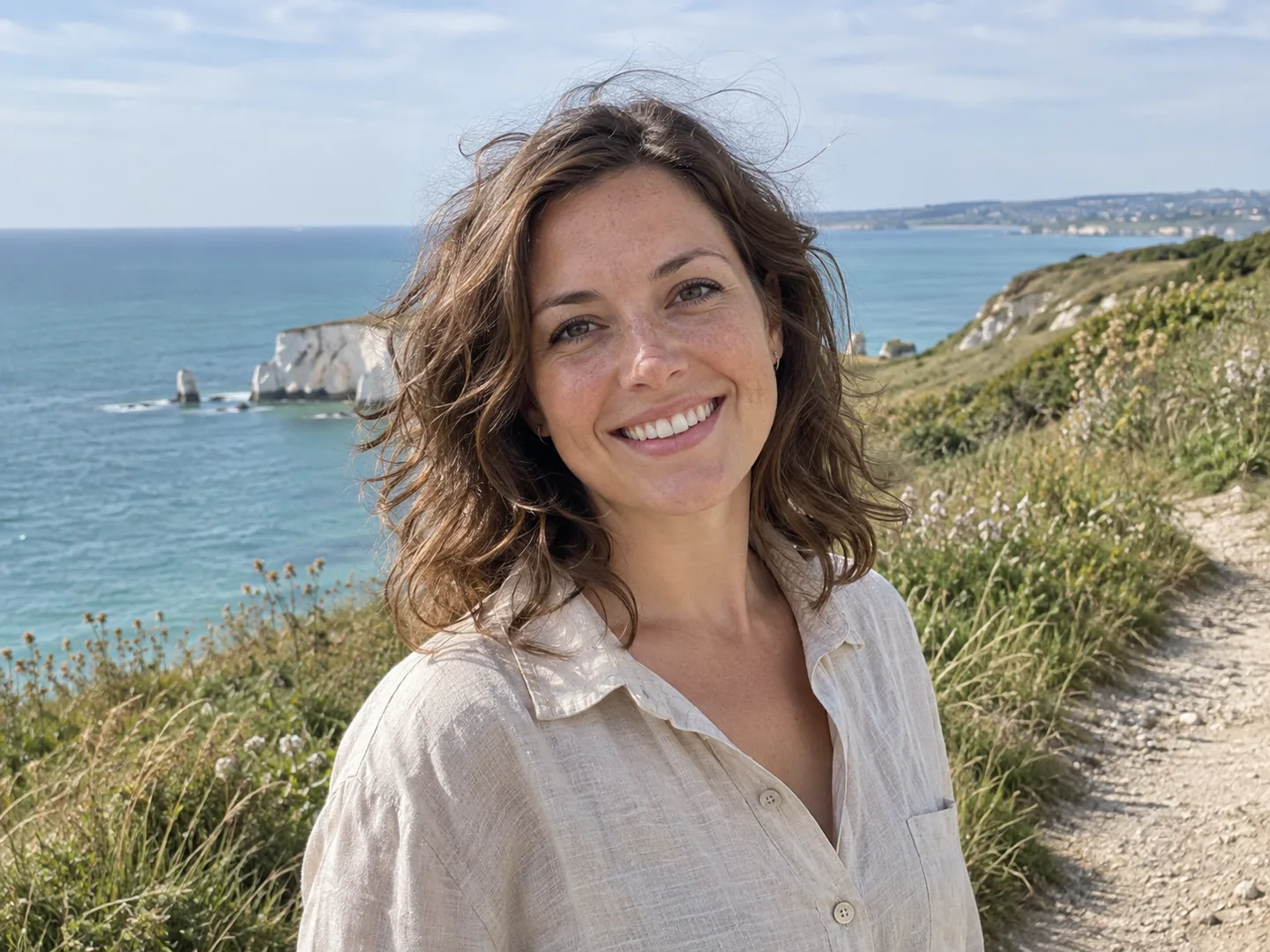
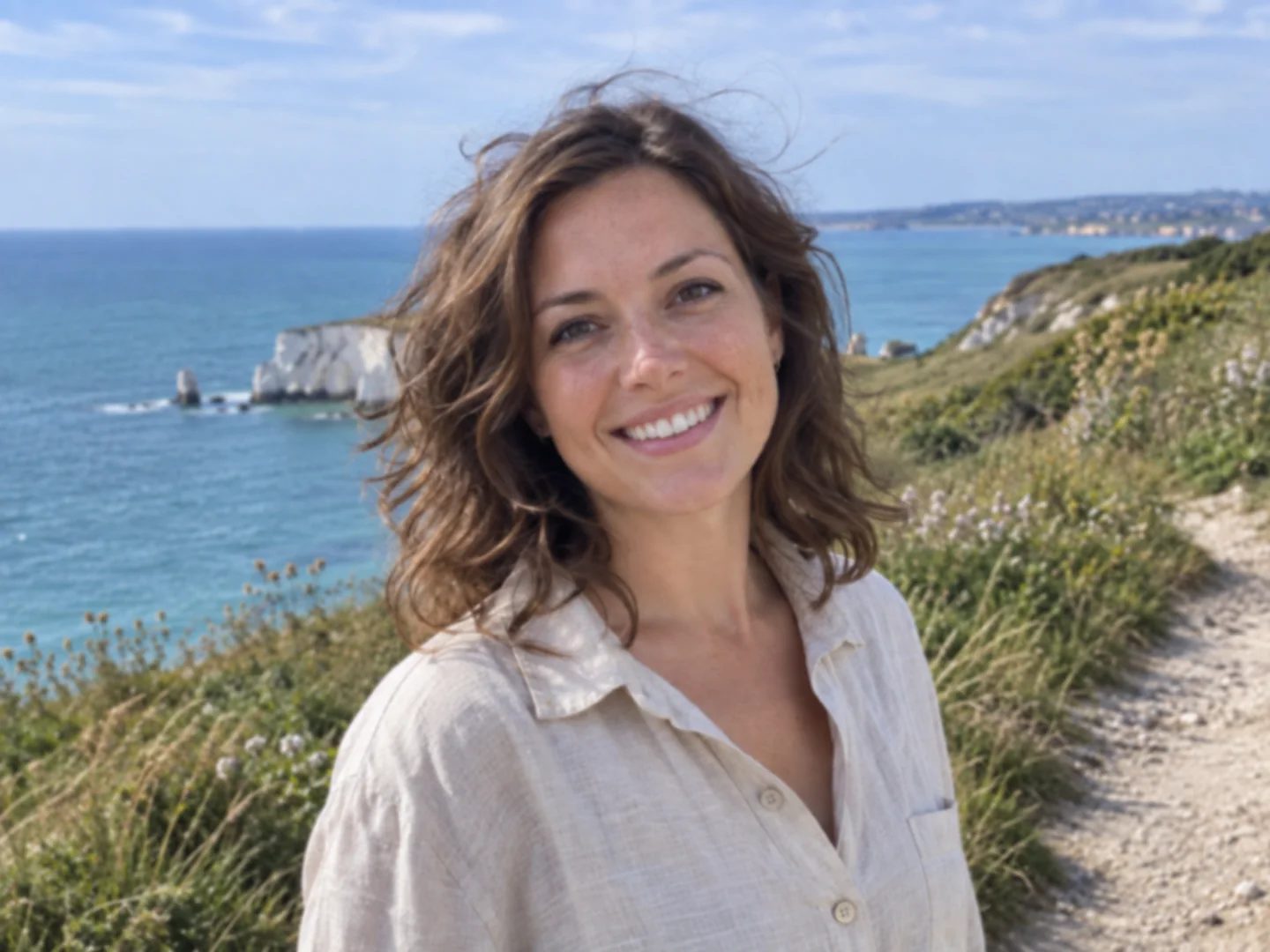
Refine eyes and hair while keeping natural skin and the expression you captured.
Get free credits every day.Try it free
Get clearer detail in the pictures you want to keep. Choose a subject, enhance your photo and check the result. Sign in for free daily credits.
AI-created examples. Results vary by photo.
JPG · PNG · WebP
Output Format
Sign in for 5 free credits each day
A face, a pet's fur, a product's finish: each picture needs a different kind of attention. Choose the subject and let AI focus on it.
Refine eyes and hair while keeping natural skin and the expression you captured.


Give glass, fabric and other surfaces clearer edges and believable detail.
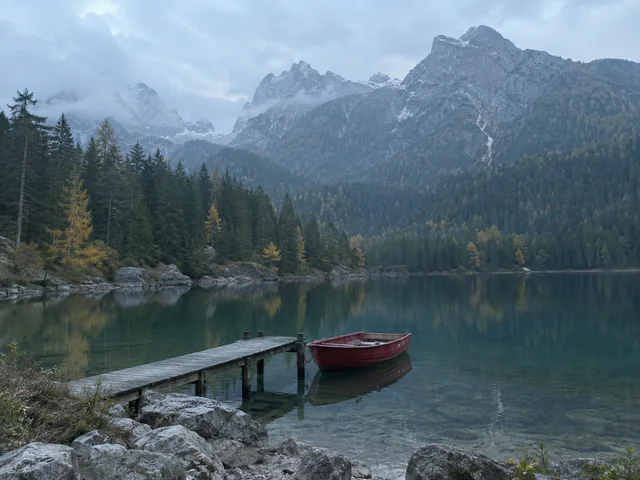
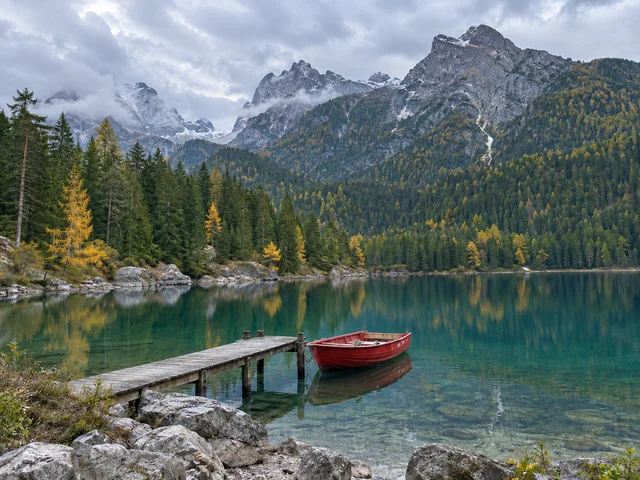
Balance distant scenery and shadow detail while keeping the light of the day.


Define fur and markings so a lively pet photo feels closer to the moment.


Improve visible letters on signs and labels. Check important text against the original.
Start with a photo you already have. Review the change before you save the enhanced copy.
Choose a photo, drag it into the upload area or paste it from your clipboard.
Upload a JPG, PNG or WebP file. Larger images are resized in your browser to keep the upload manageable.
Your pictures aren't published in a public gallery. Remove the original and result from My images whenever you want.
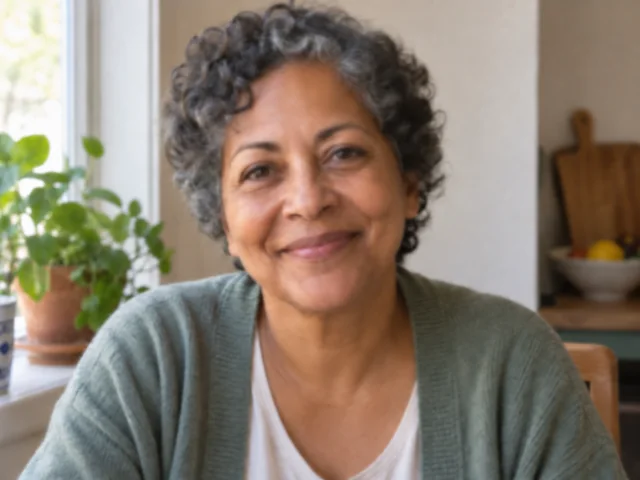
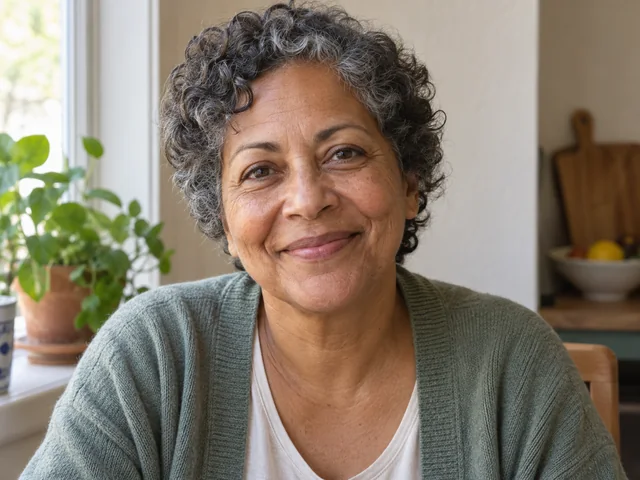
Portraits with natural detail
Look at the eyes, curls and skin texture while checking the familiar expression.
Use General for mixed scenes, or select Portrait, Object, Landscape, Pet or Text for a more focused enhancement.
Standard uses fewer credits. HD is available with a paid plan or credit pack when you want finer detail.
If processing fails, the credits charged for that run go back to your balance automatically.
Travel worth keeping
Compare the mountain edges, water and trees in the same lakeside scene.
Look closely at faces, edges and lettering before saving. Open My images to compare the result with your original.
Choose PNG, JPG or WebP for your result. Downloads have no added watermark.
Your completed pictures stay in My images until you delete them. Download another copy whenever you need it.


Pets in motion
Check the fur, facial markings and outline of the dog's ears in both versions.

This picture enhancer adjusts its focus to your image. Use General for a mixed scene, or choose a category for the details you want to keep.
A starting point for mixed scenes: reduce distracting noise and balance overall detail and color.
Give eyes and hair more definition while retaining the person's age, expression and natural skin texture.
A weekend away, a favorite face, a small detail at home. Put the pictures you care about back in view.

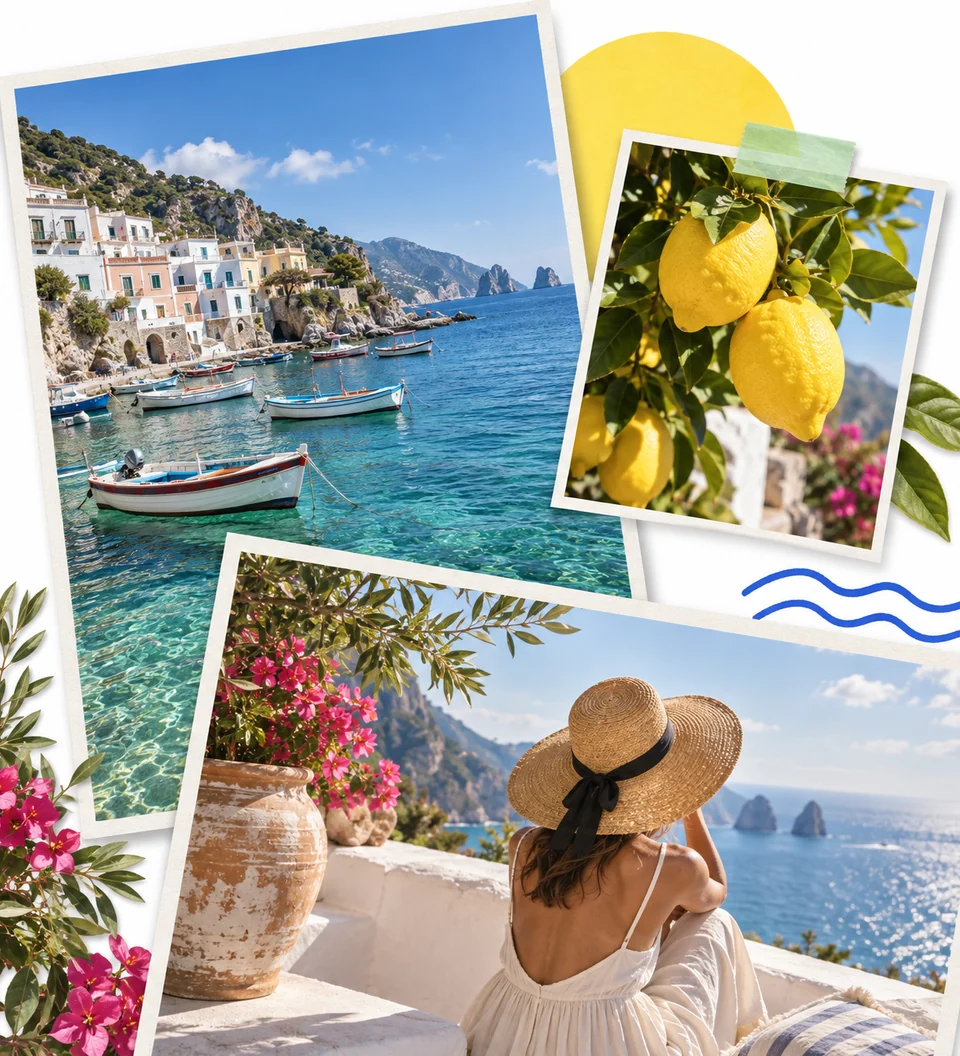
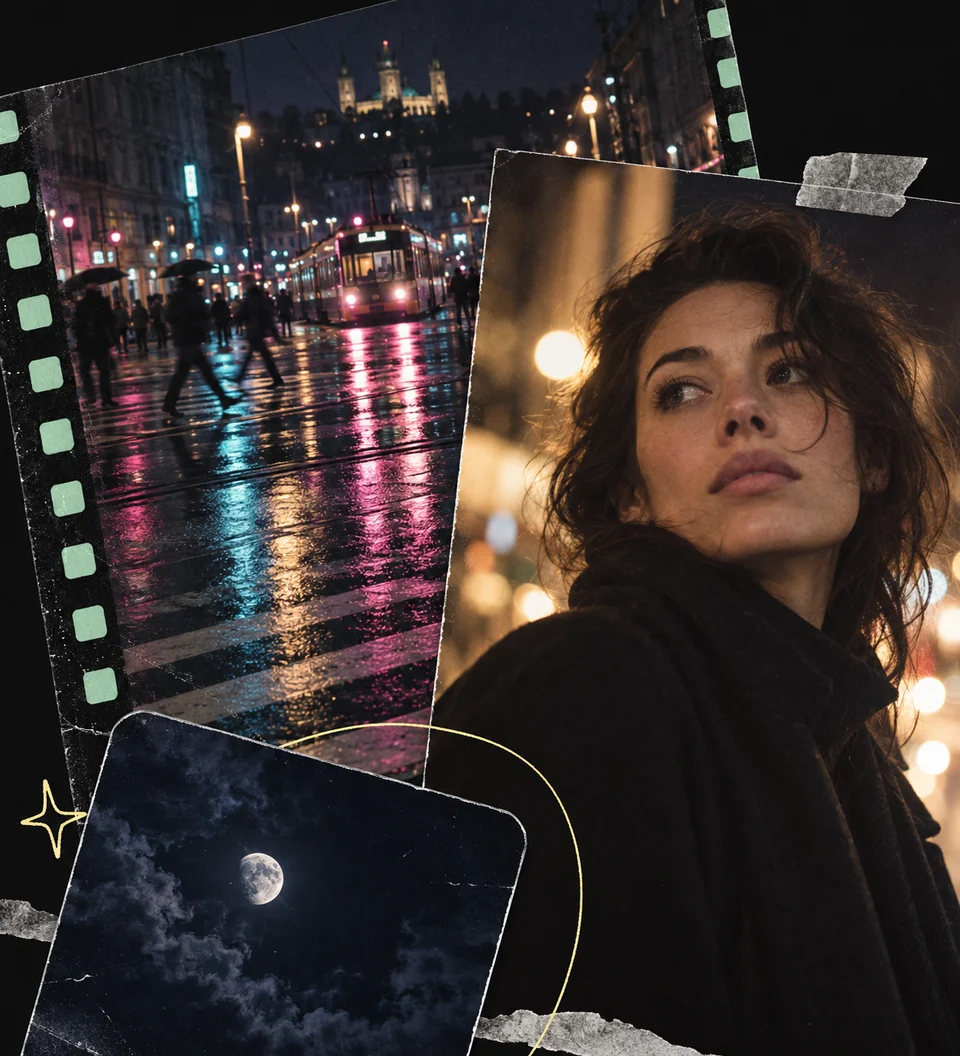

What to expect from a photo, how credits work, and what happens to the pictures you upload.
Picture Enhancer works on an existing photo to improve definition, reduce visible noise and balance light. Choose the subject so the AI can pay attention to the right details, such as skin texture in a portrait or lettering on a sign. Your finished photo appears in the preview; My images keeps the original alongside it for comparison.
Sign in to receive 5 free credits per day, with no payment card required. Standard quality uses 2 credits per picture. HD uses 3 credits and requires a paid plan or credit pack. Unused daily credits expire at midnight UTC; they do not build up from one day to the next.
Try General or the category that matches the subject. Mild softness, visible noise and compression marks may improve. Heavy motion blur or missed focus can erase information that AI cannot recover reliably. Check faces and text against the original, especially when accuracy matters.
Choose the main subject: Portrait for people, Object for items or products, Landscape for scenery, Pet for animals, and Text for lettering. General is a useful starting point when the picture contains several subjects or you are unsure. All six work on the image you upload.
It can. Processing aims to retain the subject, composition and overall character, but AI may alter fine textures or interpret unclear areas incorrectly. Compare recognizable features and any important lettering before you use the result. Text mode cannot guarantee an accurate reconstruction of unreadable words.
Yes. The site works in a phone or computer browser and accepts JPG, PNG and WebP. You can also drag in a file or paste an image on a computer. Convert iPhone HEIC files to JPG first. Finished images can be saved as PNG, JPG or WebP, with no software installation.
Originals and results are kept in your account history rather than a public gallery. Deleting a picture in My images removes both files from our storage. Third-party AI providers process images to produce the result; our Privacy Policy explains how those services handle your data.
When processing fails, the credits deducted for that attempt are returned to your balance automatically. You can then retry the picture.
Cancel renewal from Billing in your account. Credits already added keep their existing expiry dates. Credits bought in a one-time pack do not expire when you cancel a subscription.